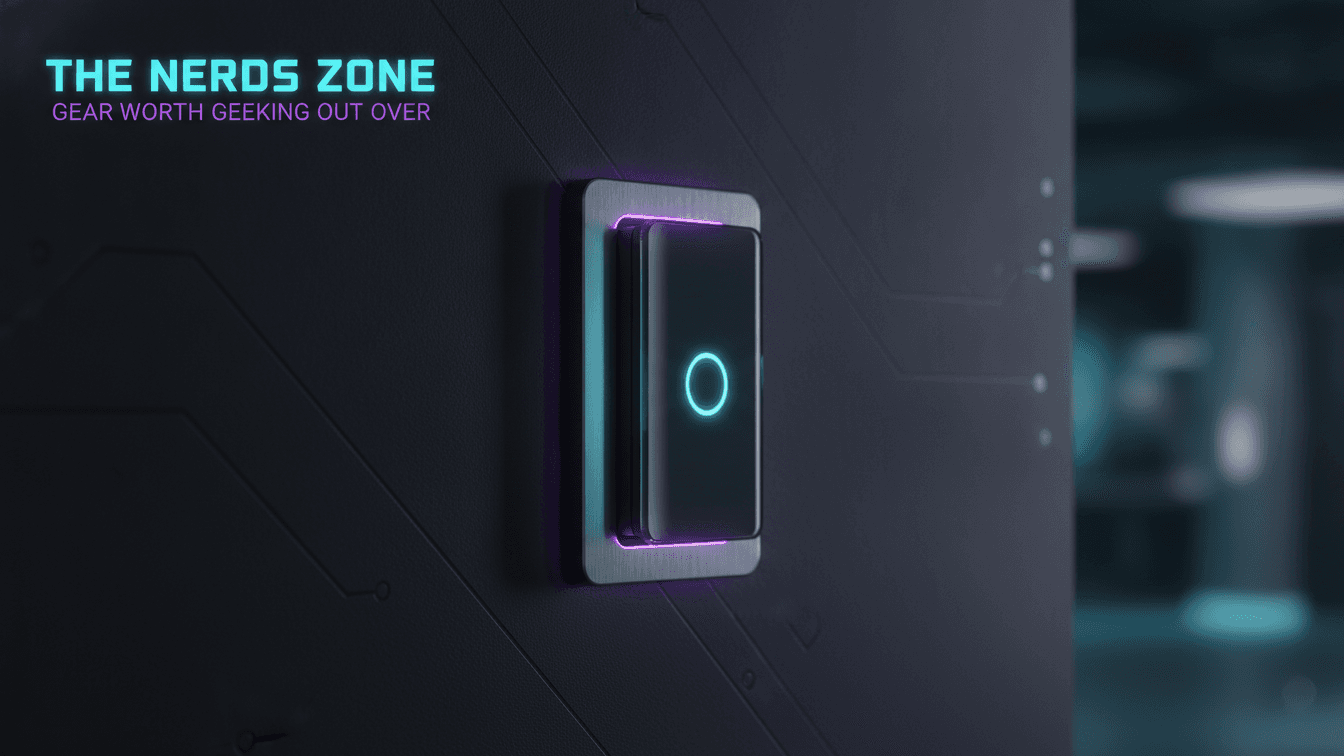
A smart switch is a wall-mounted control that replaces a standard light switch and adds network connectivity, letting you control fixed lighting or a circuit through an app, voice assistant, schedule, or automation. Unlike a smart bulb, it controls the whole circuit at the wall, keeps existing ordinary bulbs working, and preserves normal manual operation for anyone in the room. This guide covers how smart switches work, the types worth knowing, ecosystem compatibility, the neutral-wire question, and a safe DIY installation path.
What is a smart switch?
A smart switch is a replacement for a conventional wall switch that adds a radio and a small controller, so the circuit it governs can be operated remotely and programmatically as well as by hand. Physically it drops into the same gang box as the switch it replaces; functionally it becomes a networked endpoint your phone and home hub can address.
The distinction that matters is where the intelligence sits. A smart switch controls the circuit at the wall, which means it governs whatever is wired downstream of it — a ceiling fixture with four bulbs, a bank of recessed cans, or an exterior light — as a single unit. The bulbs themselves stay ordinary and inexpensive. That architecture is why smart switches are a favorite of home automation enthusiasts building robust, whole-room control rather than lighting one lamp at a time.
Key benefits
Smart switches deliver their value by combining physical and digital control on the same circuit, so automation never removes the simple option of walking over and pressing the paddle. The core benefits are consistent across ecosystems:
- Whole-circuit control. One switch commands every fixture on the circuit, which is ideal for multi-bulb rooms where per-bulb smart lighting would be expensive and redundant.
- Scheduling and away-from-home routines. Sunset-triggered porch lights, weekday wake-up lighting, and randomized vacation patterns run without you touching anything.
- Voice and app access. Control from across the house or across the country, and fold lighting into broader scenes such as "movie night" or "good morning."
- Preserved manual use. Guests and family members who never open an app can still operate the light exactly as before — a genuine usability advantage over always-on smart bulbs.
- Retained hardware. Because the bulbs stay ordinary, you keep using the fixtures and bulbs you already own.
Types of smart switches
Smart switches split into a handful of functional categories, and choosing the right type is mostly about matching the switch to the fixture and the wiring in the box. The most common types are on/off switches, dimmers, multi-way (three-way) switches, motion-sensing switches, and smart fan controls.
Type | What it does | Best for |
|---|---|---|
On/off switch | Simple networked replacement for a single-pole switch | Fixtures that only need on/off, such as many LED cans |
Dimmer | Adjusts brightness digitally and by paddle | Living spaces where you want dimmable ambiance (use dimmable bulbs) |
Multi-way (three-way) | Controls one fixture from two or more locations | Stairways, hallways, large rooms with two entrances |
Motion-sensing | Triggers lighting from an integrated occupancy sensor | Closets, laundry rooms, garages, entryways |
Smart fan control | Manages ceiling-fan speed rather than lighting | Bedrooms and living rooms with wired ceiling fans |
A key compatibility note: use a smart dimmer only with dimmable bulbs, and never install a standard lighting dimmer on a ceiling fan motor. Fan speed requires a purpose-built smart fan control, because dimming circuitry can damage a fan motor.
Choosing the right switch: protocols and ecosystems
The single most important decision is the wireless protocol, because it determines whether the switch needs a hub and which smart-home platform it joins. Match the radio to the controller and ecosystem you already own before you evaluate any other feature.
- Wi-Fi. Connects directly to your router with no separate hub. Simple to start with; heavy Wi-Fi deployments can add traffic to a busy network.
- Zigbee and Z-Wave. Low-power mesh radios that require a compatible hub or bridge. They are robust and each device typically extends the mesh, which improves whole-home reliability.
- Thread. A low-power mesh IP protocol that needs a border router (built into many modern hubs and speakers).
- Matter. An interoperability standard — layered over Wi-Fi or Thread — designed so a certified device works across major ecosystems rather than locking you to one app. In 2026 it is the most future-oriented choice when a model you like supports it.
Practically, decide your platform first — Amazon Alexa, Google Home, or Apple Home — then shortlist switches that natively support it, then confirm the radio fits your hub situation. Buying in the reverse order is how enthusiasts end up with a switch that works but never integrates cleanly into their existing scenes.
The neutral-wire question
Whether your switch box contains a neutral wire is the most common make-or-break installation variable. Smart switches draw a small amount of continuous power to keep their radio alive, and traditionally they used the neutral wire to complete that circuit. Boxes in newer construction usually include a neutral (often a bundle of white wires capped in the back of the box), while many older homes wired switches without one.
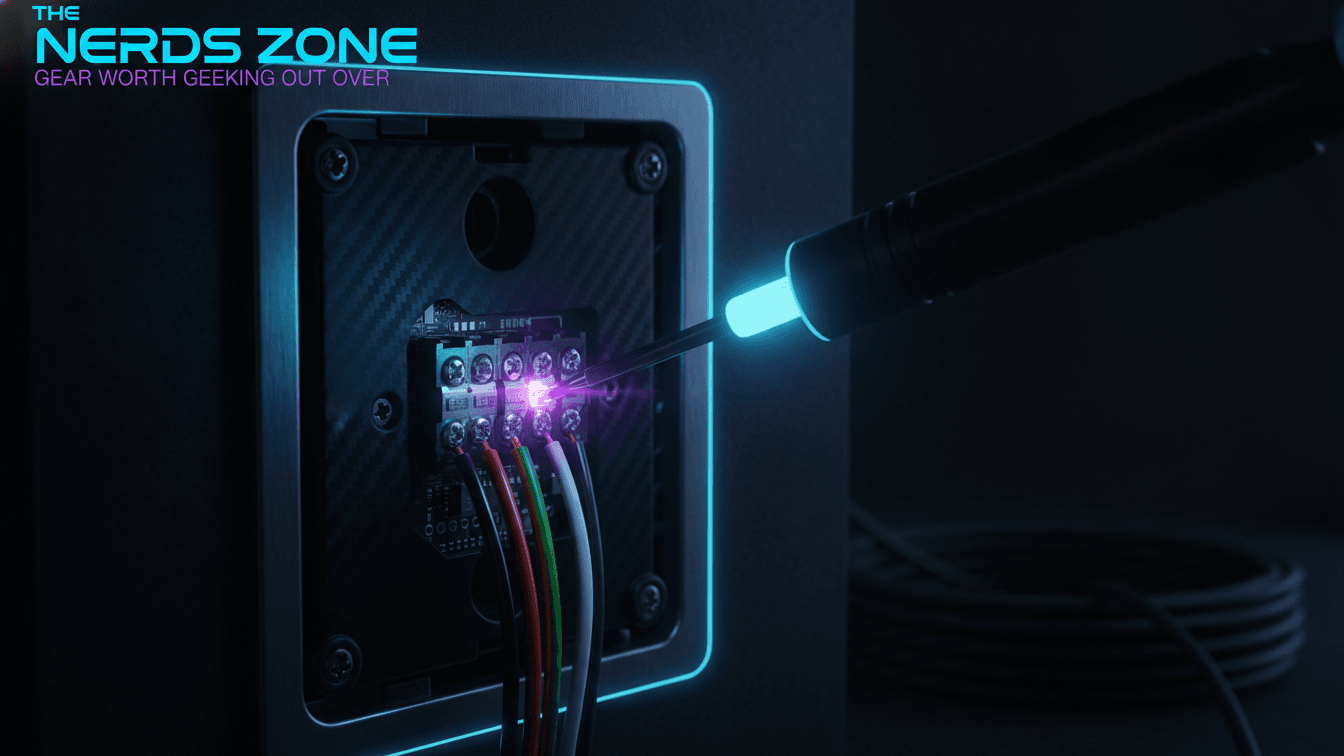
You have three paths if you lack a neutral:
- Buy a no-neutral smart switch. Several 2026 models are engineered to operate without one, which is the cleanest fix. Verify the specific model's no-neutral support before purchase.
- Add a neutral wire. An electrician can sometimes run one, depending on how the circuit is routed.
- Switch strategies. Where wiring is genuinely unworkable, smart bulbs on an always-on circuit are the fallback.
Before buying anything, remove the existing switch plate (with the breaker off) and look for a capped bundle of white neutral wires at the back of the box. Knowing what is present saves a return trip and dictates which switch you should order.
Installation: a safe step-by-step
Basic single-pole installation is achievable for confident DIYers, but it is real electrical work and every step below is a safety step, not a suggestion. If any part is unclear, stop and consult a licensed electrician.
- Identify and shut off the breaker for the circuit, not just the wall switch.
- Verify the wires are dead with a non-contact voltage tester at the box before touching any conductor. Never trust the label alone.
- Photograph the existing wiring before disconnecting anything, so you have a reference.
- Note each conductor: line (incoming hot), load (to the fixture), ground, and neutral if present. In multi-gang or three-way boxes, take extra care to identify travelers.
- Wire the smart switch exactly per the manufacturer's diagram, matching line, load, ground, and neutral to the labeled terminals or leads.
- Secure the switch into the box, attach the plate, and restore power at the breaker.
- Commission the switch in its app: join Wi-Fi or pair to the hub, update firmware, and add it to your chosen ecosystem.
Call a professional when you find no neutral and no no-neutral switch, encounter aluminum or ungrounded wiring, cannot confidently identify three-way travelers, or the box is overcrowded. There is no downside to deferring wiring you cannot read with certainty.
Smart switches vs. smart bulbs
Smart switches and smart bulbs solve overlapping problems from opposite ends of the circuit, and the right choice depends on the fixture and whether you want per-bulb color. Use a smart switch for whole-room control of multi-bulb or hard-to-reach fixtures; use smart bulbs when color and per-bulb effects matter and you can leave the wall switch permanently on.
Consideration | Smart switch | Smart bulb |
|---|---|---|
Controls | The whole circuit / fixture | Each individual bulb |
Cost at scale | One device per circuit | One device per bulb |
Manual wall use | Works normally for everyone | Wall switch must stay on |
Color / effects | No (governs existing bulbs) | Yes, per-bulb color and scenes |
Best fit | Multi-bulb rooms, outdoor, fans | Lamps, accent lighting, color scenes |
The two approaches also combine well: smart switches for general room lighting and smart bulbs in a few accent lamps is a common, effective layout. The failure mode to avoid is a smart bulb behind a normal switch someone can flip off, which cuts the bulb's power and drops it off the network until the switch is turned back on.
Working with Alexa, Google Home, and Apple Home
Integration quality is a function of native support, so confirm the badge on the box rather than assuming universal compatibility. Most mainstream switches list explicit support for Amazon Alexa and Google Home; Apple Home support has historically been narrower, though Matter certification widens cross-platform compatibility considerably.
Once a switch is added to a platform you can group it into rooms, trigger it by voice, and fold it into scenes and automations alongside your other devices. If you run more than one ecosystem, a Matter-certified switch is the most reliable way to keep a single device usable across all of them without duplicate setups.
Troubleshooting
Most smart switch problems trace back to network, wiring, or firmware, and they resolve in a predictable order. Work from the simplest cause outward:
- Switch won't connect: confirm 2.4 GHz Wi-Fi (many switches don't use 5 GHz), move the phone close during pairing, and verify the hub is online for Zigbee/Z-Wave/Thread models.
- Drops offline intermittently: likely a weak signal; add a mesh node or repeater, or reposition the hub.
- Flickering or buzzing dimmer: usually a bulb-compatibility issue — confirm the bulbs are dimmable and on the manufacturer's compatibility list.
- Voice assistant can't find it: re-link the skill or integration and confirm the device appears in the manufacturer's own app first.
- Unresponsive after a power event: check the breaker, then power-cycle; if it persists, reset and re-commission per the manual.
Frequently asked questions
What does a smart switch do? A smart switch replaces a conventional wall switch and adds network connectivity, so the circuit it controls can be operated by an app, a voice assistant, a schedule, or an automation in addition to the physical paddle. It governs whatever is wired to that circuit while still functioning as an ordinary switch for anyone in the room.
Are smart switches worth it for home automation? For most homes with multi-bulb fixtures or hard-to-reach lighting, smart switches are among the highest-value automation upgrades because one device controls an entire circuit and keeps inexpensive bulbs working. The trade-off is installation, so factor in the neutral-wire question and your comfort with basic electrical tasks.
Do smart switches require a hub? It depends on the radio. Wi-Fi and many Matter-over-Wi-Fi switches connect directly to your router and need no separate hub. Zigbee, Z-Wave, and Thread-based switches require a compatible hub or border router. Check the protocol on the box before buying.
Can I install a smart switch without an electrician? Many confident DIYers install single-pole smart switches themselves, but it is genuine electrical work. Turn off the correct breaker, confirm the wires are dead with a voltage tester, and follow the manufacturer's diagram. Call a licensed electrician if you lack a neutral wire, face three-way wiring you cannot identify, or find aluminum or ungrounded wiring.
About this guide
Written by the The Nerds Zone editorial team — enthusiasts and reviewers focused on consumer tech, smart home, and home automation. This guide reflects established smart-home wiring and protocol practices as of 2026; verify the specific model, firmware, and no-neutral support for any switch before you buy, since features change between hardware revisions.
Published: August 28, 2026. Last updated: August 28, 2026.
Frequently asked questions
- What does a smart switch do?
A smart switch replaces a conventional wall switch and adds network connectivity, so the circuit it controls can be operated by an app, a voice assistant, a schedule, or an automation in addition to the physical paddle. It governs whatever is wired to that circuit — recessed cans, a ceiling fixture, or outdoor lights — while still functioning as an ordinary switch for anyone in the room.
- Are smart switches worth it for home automation?
For most homes with multi-bulb fixtures or hard-to-reach lighting, smart switches are among the highest-value automation upgrades because one device controls an entire circuit and keeps inexpensive bulbs working. They shine in scheduling, vacation lighting, and voice control. The trade-off is installation: they require wiring work, so factor in the neutral-wire question and your comfort with basic electrical tasks.
- Do smart switches require a hub?
It depends on the radio. Wi-Fi and many Matter-over-Wi-Fi switches connect directly to your router and need no separate hub. Zigbee, Z-Wave, and Thread-based switches require a compatible hub or border router to bridge them to your network. Check the protocol on the box before buying so the switch matches the controller and ecosystem you already own.
- Can I install a smart switch without an electrician?
Many confident DIYers install single-pole smart switches themselves, but it is genuine electrical work. Turn off the correct breaker, confirm the wires are dead with a voltage tester, and follow the manufacturer's diagram. Call a licensed electrician if you lack a neutral wire, face three-way or multi-gang wiring you cannot identify, or find aluminum or ungrounded wiring.
- What are the top-rated smart light switches?
Rather than a single winner, the strongest 2026 options cluster by ecosystem and wiring. Prioritize a switch that natively supports your platform — Alexa, Google Home, or Apple Home — uses a radio you can support (Wi-Fi, Zigbee, Z-Wave, or Matter/Thread), and matches your wiring, including no-neutral support if needed. Read current owner feedback and expert reviews for the specific model and firmware you intend to buy.